- Joined
- Sep 24, 2026
- Messages
- 1
- Reaction score
- 0
- Location
- Minnesota
- Current Ride
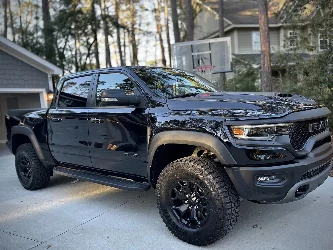
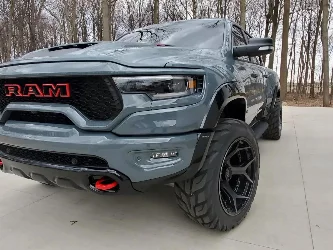
- 2021 RAM TRX STAGE 2
Truck: 2021 RAM TRX, Uconnect 4 (12" screen, UAX module)
Software version: 22.39.13
Application version: USA-SBX-12.1-PR-40.12.0-20220930-PSFRM
The issue:
Tapping the Performance tab from the TRX page (next to Drive Modes and Race Options) does nothing — screen just stays on whatever tab was already selected. Race Options and Drive Modes tabs both work fine, it's specifically Performance that's dead from that screen.
Oddly, if I go Apps → Performance Pages (the standalone app tile), it opens completely fine — shows the "Performance Pages Loading..." splash and loads normally. So the app itself works, it's just the link/tab from the Vehicle page that's broken.
What I've already tried, none of it fixed it:
1. Soft reset (volume knob & Channel Knob)
2. Settings → Restart Radio
3. Settings → Restore Settings to Default
4. Settings → Clear Personal Data
5. Full battery disconnect (negative terminal, 35 minutes)
Has anyone with Uconnect 4 (not 5) specifically hit this exact tab-won't-open bug?
If so, how do I fix it? Thank You!
Software version: 22.39.13
Application version: USA-SBX-12.1-PR-40.12.0-20220930-PSFRM
The issue:
Tapping the Performance tab from the TRX page (next to Drive Modes and Race Options) does nothing — screen just stays on whatever tab was already selected. Race Options and Drive Modes tabs both work fine, it's specifically Performance that's dead from that screen.
Oddly, if I go Apps → Performance Pages (the standalone app tile), it opens completely fine — shows the "Performance Pages Loading..." splash and loads normally. So the app itself works, it's just the link/tab from the Vehicle page that's broken.
What I've already tried, none of it fixed it:
1. Soft reset (volume knob & Channel Knob)
2. Settings → Restart Radio
3. Settings → Restore Settings to Default
4. Settings → Clear Personal Data
5. Full battery disconnect (negative terminal, 35 minutes)
Has anyone with Uconnect 4 (not 5) specifically hit this exact tab-won't-open bug?
If so, how do I fix it? Thank You!